ZFour HRMS Dashboard Training: Step-by-Step Guide
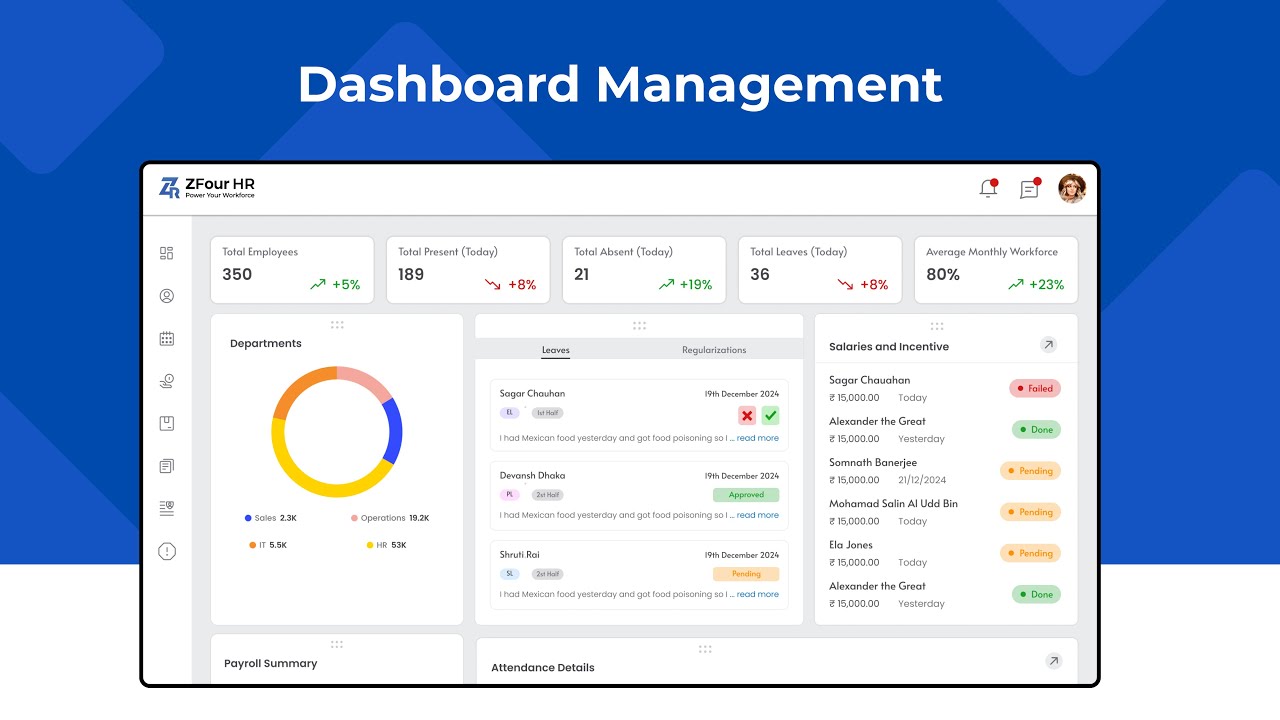
So, you’ve just logged into ZFour HRMS for the first time — and maybe you’re thinking,
“Okay… what now?”
Don’t worry, we’ve all been there. The dashboard might look full of tabs and sections at first, but once you get the hang of it, you’ll see how simple and helpful it really is.
This guide will walk you through the ZFour HRMS Dashboard Training step by step.
By the end, you’ll know exactly how to:
- Check your attendance
- Apply for leaves
- View salary slips
- Manage employees and assets
- Handle tickets and requests
- Generate reports
All this without having to ask HR every time.
What is the ZFour HRMS Dashboard?
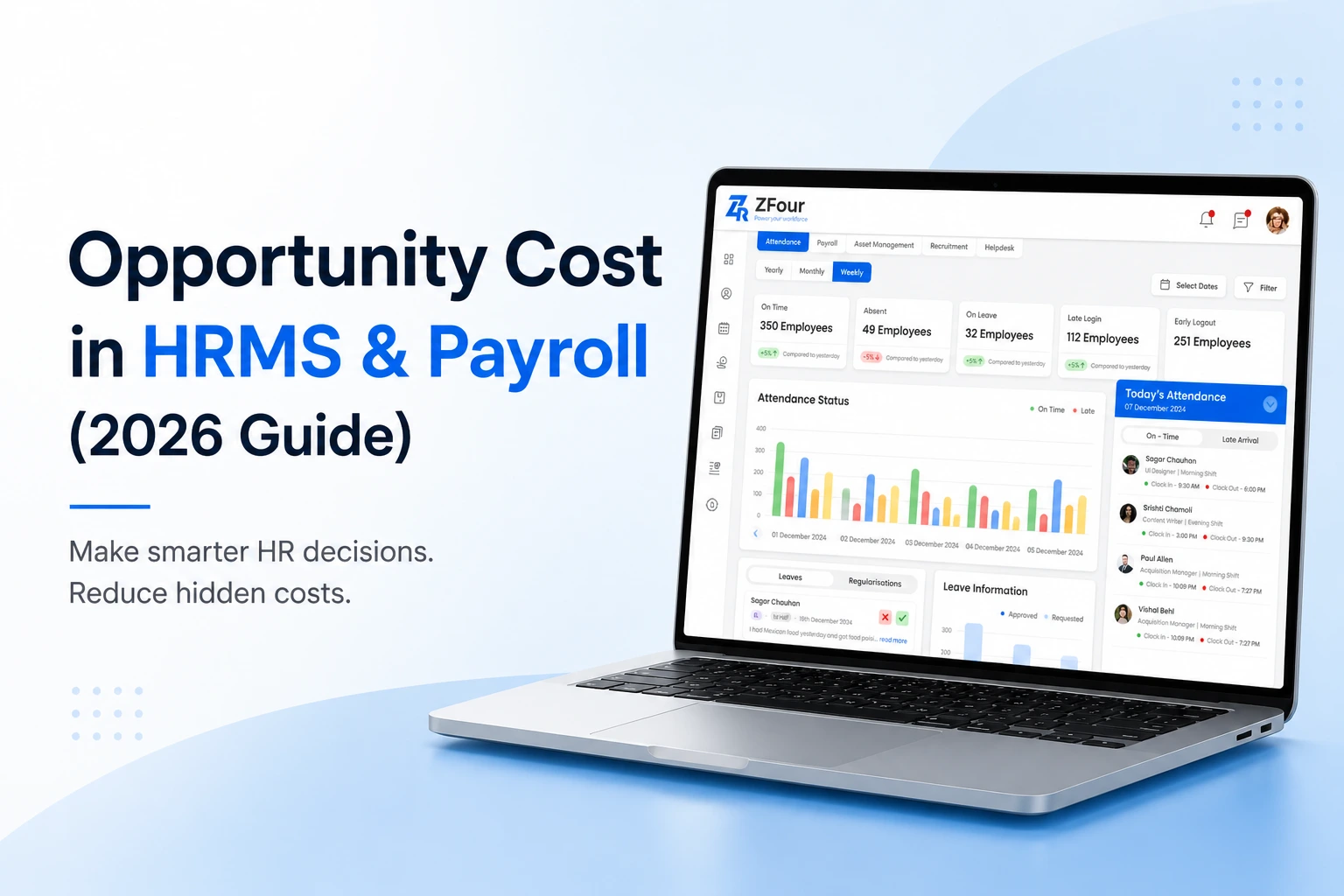
Think of the ZFour HRMS Dashboard Training as your personal control center — your one-stop space for managing everything related to work.
It brings together all your HR tasks in one place:
Attendance,
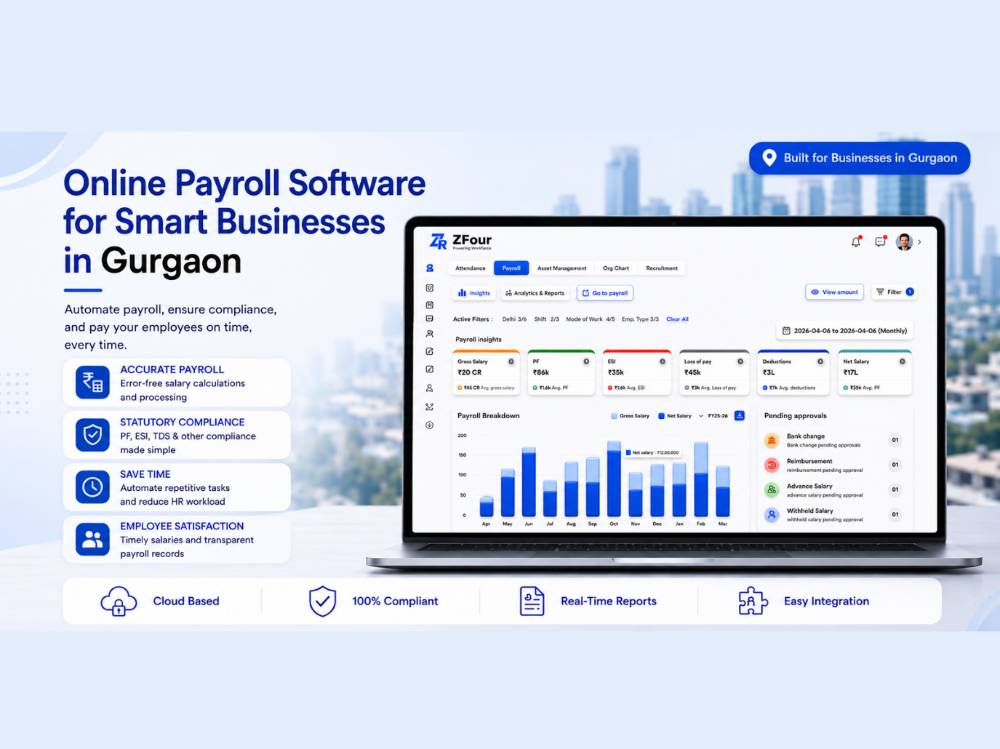
Payroll,
Leaves,
Employee Management,
Asset Tracking,
Tickets,
Reports and Announcements.
No need to juggle multiple tools or emails.
Just log in, and everything you need is right there — organized, clear, and ready to use.
What You’ll Find Inside the Dashboard
Let’s go through each section and see how it helps in your daily work.
1. Attendance Overview
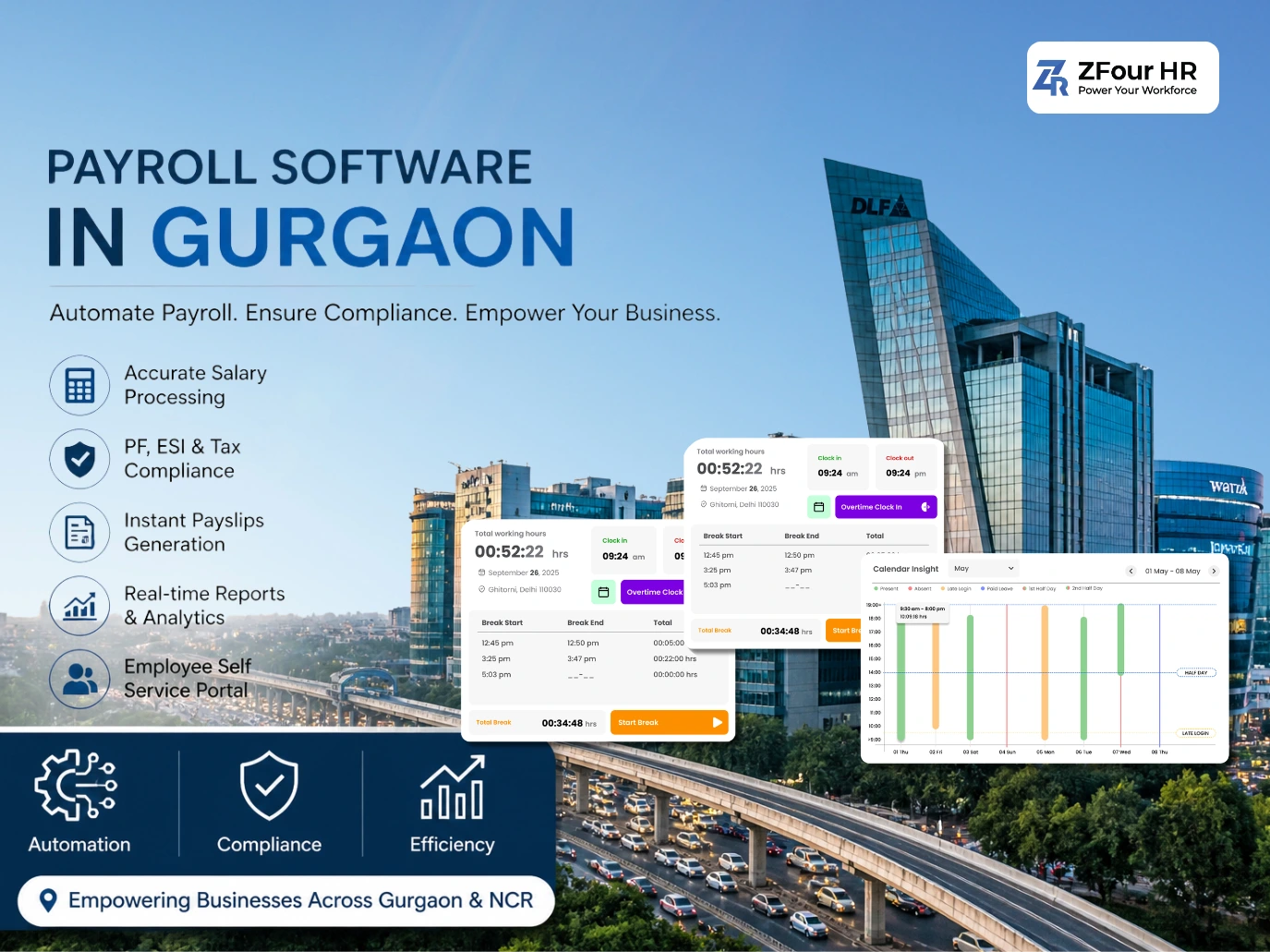
Check whether you clocked in on time or see how many hours you’ve worked this month.
- View daily, weekly, or monthly attendance
- Regularize missed attendance
- Download reports in Excel or PDF format
2. Leave Management
Applying for leave is simple:
- Go to the Leave tab, select your dates, and apply
- Check remaining leave balance
- View approval status
No more waiting for email confirmations.
3. Employee Management
The Employee Management module allows HR teams to:
- Search and filter employees
- View detailed profiles (department, designation, contact info)
- Add or update employee records
Employees can also view their own profiles, making HR processes smoother and faster.
4. Asset Management
Managing company assets is now easy:
- Assign or unassign assets
- Track the lifecycle of each item
- Generate asset reports for audits or replacements
This ensures accountability and helps track resources efficiently.
5. Payroll and Salary Details
Access your payslips, track deductions, and download salary details anytime you need.
Everything is transparent and secure, so you’re always in control of your financial records.
6. Tickets & Requests Management
No more long email threads:
- Employees can raise tickets for payroll, attendance, or profile updates
- HR managers can respond, approve, or reject requests
- Track the status of every ticket in real-time
This keeps communication organized and transparent.
7. Reports & Analytics Overview
Generate detailed insights on:
- Employee data
- Attendance and leave trends
- Asset management
- Tickets and requests
Reports can be exported in Excel or PDF, helping HR teams make data-driven decisions efficiently.
8. Your Profile
Keep your personal and professional details up to date:
- Update contact info, address, and bank details
- Ensure accuracy without paperwork
9. Announcements
Stay connected with your organization:
- View company policies, updates, and holidays
- Never miss important announcements
How to Use the ZFour HRMS Dashboard (Step by Step)
Step 1: Log in using your company credentials.
Step 2: You’ll land on your main dashboard — your home screen for everything.
Step 3: Explore sections like Attendance, Leave, Employee Management, Asset Management, Payroll, Tickets, Reports, and Announcements.
Step 4: Use the search bar to find information quickly.
Step 5: Bookmark frequently used sections for easy access.
It’s that simple — no complicated setup, no confusion.
Why You’ll Actually Enjoy Using It
- Clean, easy-to-understand layout
- Accessible from anywhere, including your phone
- All HR tasks are in one place
- Saves time and reduces errors
Once you get used to it, you’ll wonder how you ever managed HR tasks without it.
Real Benefits You’ll Notice
- Automation saves time
- Accurate attendance, payroll, and leave records
- Always updated with company news
- Centralized management for employees, assets, and requests
Pro Tips for Getting the Most Out of It
- Bookmark your frequently used tabs
- Update your personal information regularly
- Download salary slips and reports for record-keeping
- Check announcements often
These small steps make your dashboard experience smoother.
Conclusion
The ZFour HRMS Dashboard is more than just software — it’s your digital HR partner.
It simplifies daily work by combining attendance, payroll, leaves, employee management, asset tracking, tickets, reports, and announcements in one place.
Take your time exploring the features, and soon you’ll navigate the dashboard like a pro.
Want to experience ZFour HRMS in action?
Book a free demo today and see how effortless managing HR tasks can be — all from a single dashboard.