Step-by-Step Guide to Change Address in HRMS App
As part of their journey, every employee may need to update their personal information. The best way to use ZFour HRMS is on a phone or tablet.
It’s easy, secure, and completely paperless to update your address.
This step-by-step guide for HRMS helps employees update their personal details quickly and safely, anytime and anywhere.
Even if employees have moved or just changed where they live, they may modify their addresses and send them in from their phones using ZFour HRMS.
This helps people get things done more quickly and easily.
Why You Should Change Your Address in ZFour HRMS
- Checks to make sure your official messages reach to the correct location.
- Keeps your HR and payroll records up to date.
- It helps you file your taxes, fill out forms, and obey the requirements where you live.
- It saves you time and means you don't have to do HR follow-ups by hand.
How to Change Your Address in the ZFour HRMS App for Mobile
Step-by-Step Guide for HRMS:
- Open the ZFour HRMS App on your phone and log in with your account details.
- Step 2: On the dashboard, click the "Profile" icon.
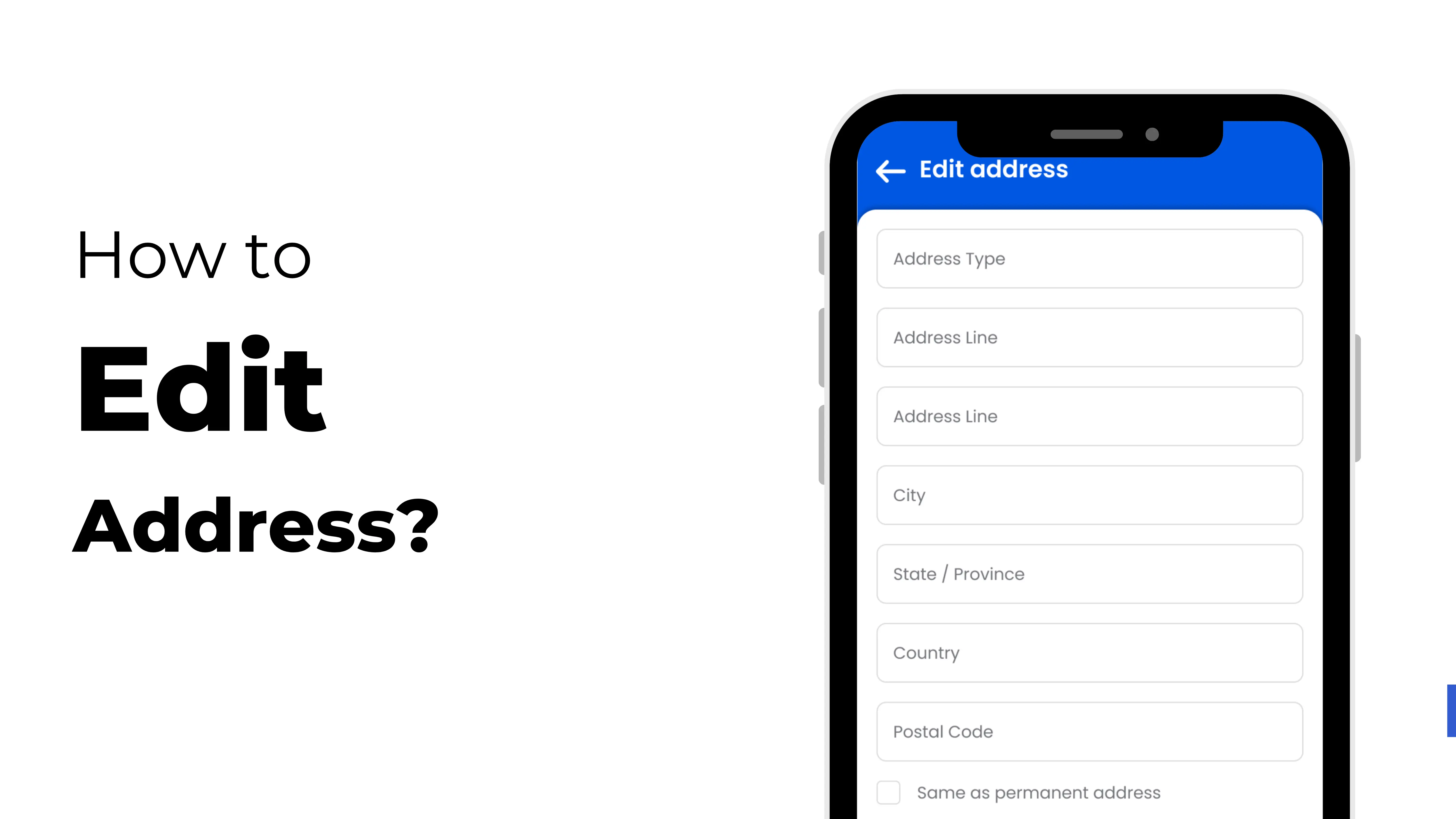
- Step 3: Pick "Edit Address" from the list of options.
- Step 4: Fill in the information for your new address. Check to make sure everything is right.
- Step 5: Click "Upload" if you need to upload confirmation of where you live.
- Step 6: Click "Save" or "Submit" to keep the changes.
Your HR team will be able to see your new address immediately away to check it or give it the green light.
The Address Edit Feature has a lot of handy features
- Changes happen right away, so you don't have to wait or fill out documents.
- Safe storage—your data is safe.
- To start, open it on your phone. You can change things anytime and anywhere you choose.
- Quick HR verification—no need to send in papers by hand.
Get Help from Professionals to Make Moving Easy
- Before you save, make sure the pin code and spelling are correct.
- Prepare your most recent proof of address to send. This might be your Aadhaar card, your lease, or your electricity bill.
- Change your address as soon as you move so you don't have to wait for your pay stubs or other correspondence.
Last Thoughts
Using ZFour HRMS on a mobile device is the best method to do it. It is sensible and easy for workers to maintain track of their own information.
Updating your address is as easy as tapping a couple times. No problems, no waiting, and no paperwork.
No matter where or when they need them, give your employees the digital tools they need to execute their tasks properly.
Many organizations use HRMS systems to manage employee records efficiently.
According to SHRM, digital HR solutions have improved workforce operations globally.