How to Regularize Attendance in ZFour HRMS: Complete Attendance Regularization Process Guide
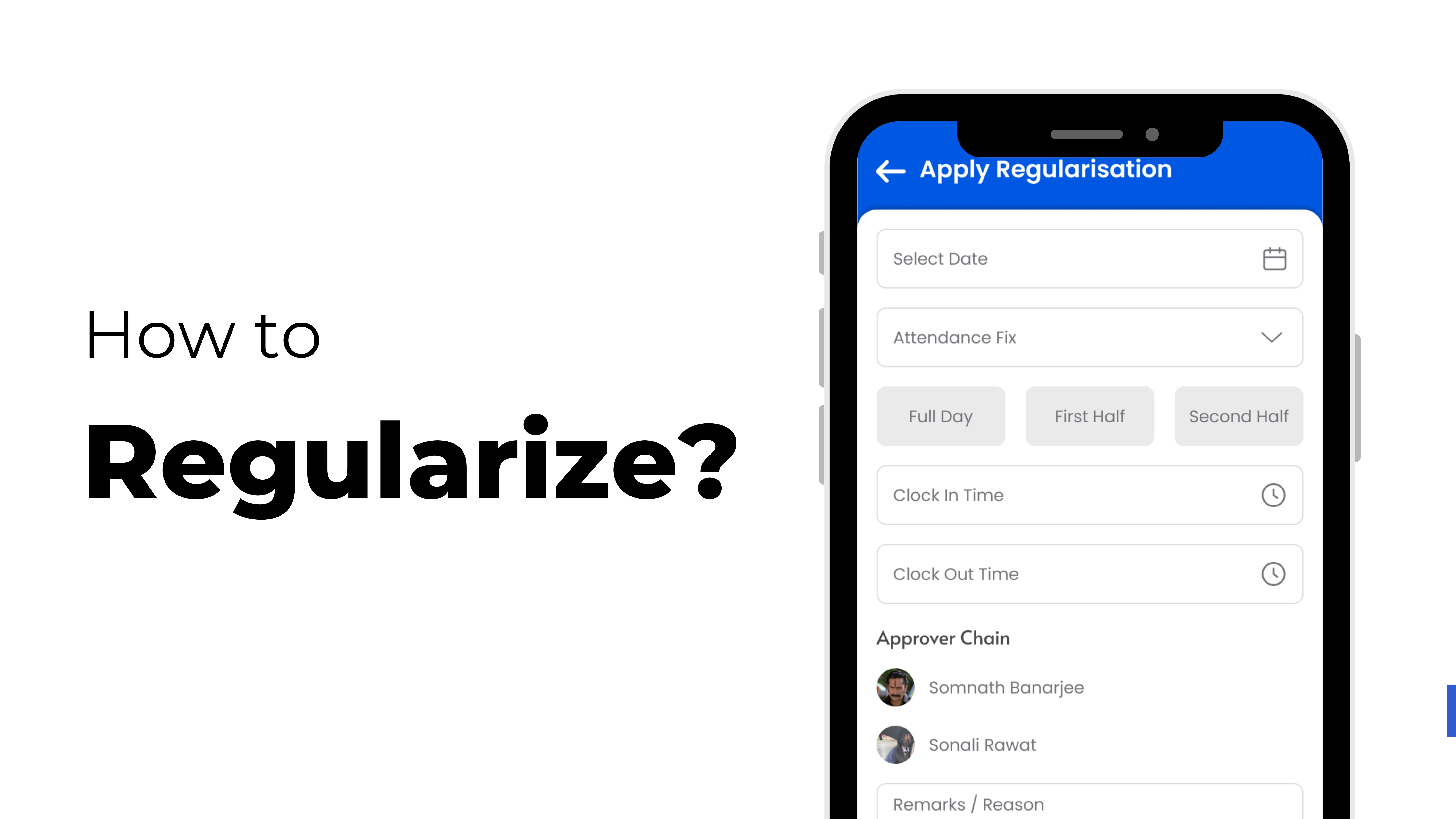
Managing employee attendance accurately is one of the most important responsibilities for every HR team.
Attendance records directly impact payroll processing, overtime calculations, leave tracking, compliance management, and employee productivity.
However, in day-to-day operations, employees may forget to clock in or out, face biometric issues, work remotely, attend client meetings, or experience system errors while marking attendance.
These situations can create attendance discrepancies that need correction.
This is where attendance regularization becomes essential.
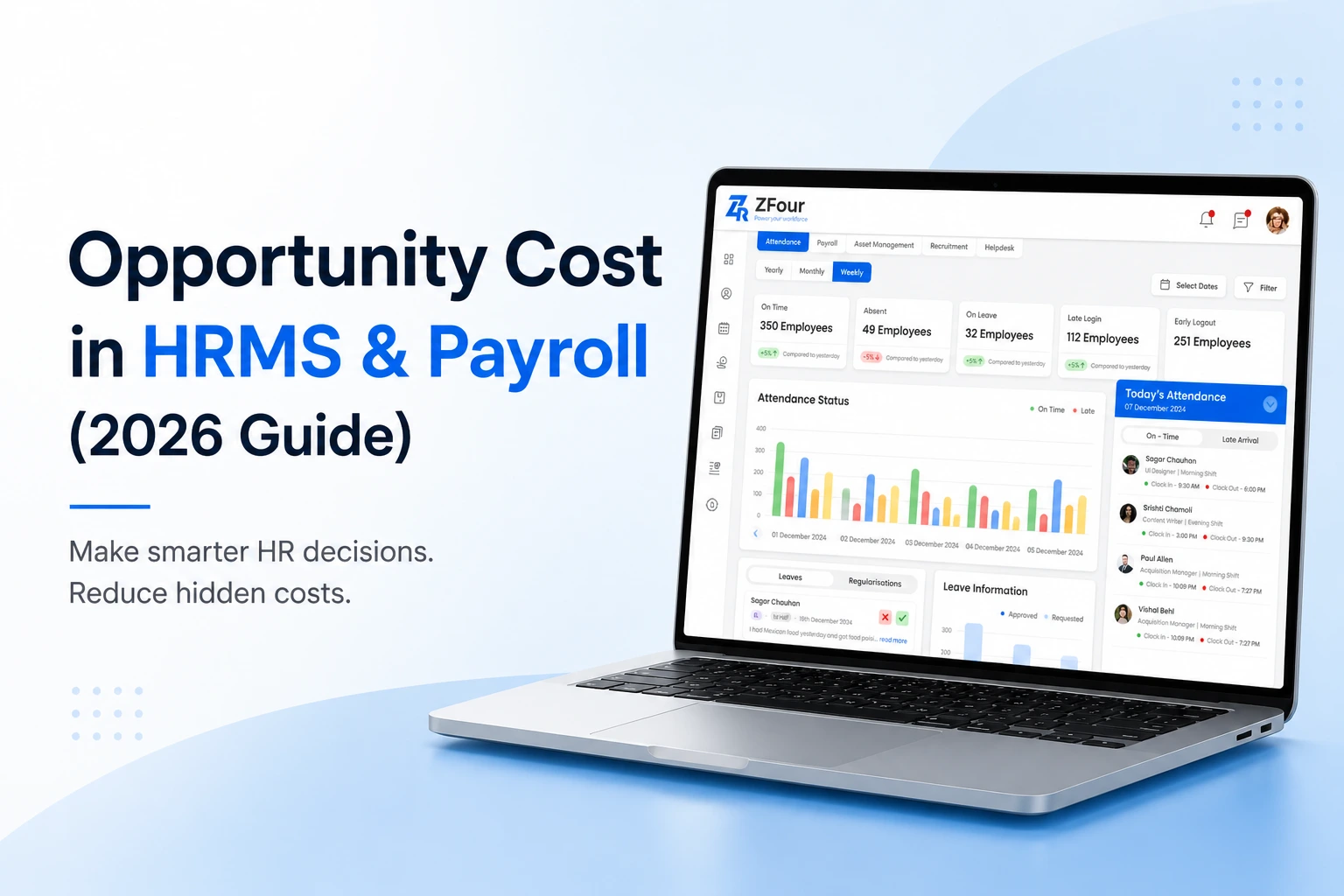
With ZFour HRMS, organizations can simplify the attendance correction process through automated workflows, transparent approvals, and real-time attendance tracking.
In this complete guide, you’ll learn:
- What attendance regularization means
- Why attendance correction is important
- How to regularise attendance in ZFour HRMS
- Attendance regularization workflow
- HRMS automation benefits
- Best practices for attendance management
What Is Attendance Regularization?
Attendance regularization is the process of correcting or updating employee attendance records when attendance data is incomplete, incorrect, or missing.
Employees can submit attendance regularization requests for situations such as:
- Missed punch-in or punch-out
- Biometric attendance failure
- Work-from-home attendance issues
- Client site visits
- Late attendance marking
- Network or technical problems
- Overtime attendance updates
Once the request is submitted, managers or HR teams review and approve the correction based on company attendance policies.
In simple terms, attendance regularization ensures accurate employee attendance records without manual confusion.
Why Attendance Regularization Is Important
Attendance data affects multiple HR operations. Even a small attendance error can create payroll disputes, incorrect salary deductions, or compliance issues.
Here’s why businesses need a proper attendance regularization process:
1. Accurate Payroll Processing
Attendance records are directly linked to salary calculations, overtime payments, and leave deductions. Regularization ensures payroll accuracy and reduces employee disputes.
2. Improved Attendance Transparency
Employees can track attendance corrections and approval status in real time, creating a transparent attendance management system.
3. Better Employee Experience
A smooth attendance correction process reduces employee frustration and improves workplace satisfaction.
4. Reduced HR Workload
Automated HRMS attendance systems minimize manual attendance corrections and spreadsheet management.
5. Compliance & Audit Readiness
Proper attendance records help organizations maintain compliance and prepare accurate audit reports.
Common Reasons for Attendance Regularization
Employees may need attendance correction for various reasons in modern workplaces.
Attendance Issue | Description |
Missed Punch | Employee forgot to mark attendance |
Biometric Failure | Device failed to capture attendance |
Work From Home | Remote attendance was not recorded |
Client Visit | Employee worked outside office premises |
System Error | HRMS or network issue interrupted attendance |
Overtime Update | Extra working hours were not captured |
How to Regularise Attendance in ZFour HRMS
ZFour HRMS offers a simple and automated attendance regularization workflow.
Follow these steps to regularize attendance easily:
Step 1: Log in to ZFour HRMS
Open the ZFour HRMS portal or mobile application and sign in using your employee credentials.
Step 2: Navigate to the Attendance Module
From the dashboard menu, click on the “Attendance” section to access attendance-related features.
Step 3: Select Attendance Regularization
Choose the “Regularize Attendance” option from the attendance menu.
Step 4: Select the Attendance Date
Choose the date where attendance correction is required.
Example:
- Missing punch date
- Incorrect attendance timing
- Remote work date
Step 5: Enter the Reason for Attendance Correction
Provide a clear reason for the attendance regularization request.
Common reasons include:
- Forgot to punch in
- System issue
- Work from home
- Client meeting
- Biometric failure
A clear explanation helps managers approve requests faster.
Step 6: Submit the Request
Click on “Submit” to send the attendance regularization request to your reporting manager or HR department.
Step 7: Manager Approval Workflow
The reporting manager receives the request and reviews:
- Attendance history
- Work schedule
- Employee reason
- Supporting details
The request can either be:
- Approved
- Rejected
- Sent back for clarification
Step 8: Attendance Gets Updated Automatically
Once approved, the attendance record updates automatically in the HRMS system and syncs with payroll calculations.
Attendance Regularization Workflow in HRMS
Modern attendance management software uses automated workflows to simplify attendance corrections.
Here’s how the attendance regularization workflow works in ZFour HRMS:
- Employee submits attendance correction request
- Request moves to reporting manager
- HR reviews policy compliance
- Approval or rejection notification is sent
- Attendance data updates automatically
- Payroll records sync in real time
This automation reduces manual intervention and improves attendance accuracy.
Key Features of ZFour HRMS Attendance Management System
Businesses need a smart HRMS attendance system that can automate attendance tracking and correction processes efficiently.
Automated Approval System
Attendance requests automatically move to the correct reporting authority.
Real-Time Attendance Tracking
Employees and HR teams can track attendance records instantly.
Mobile Attendance Management
Attendance correction requests can be submitted anytime using mobile devices.
Payroll Integration
Attendance updates sync directly with payroll software for accurate salary calculations.
Audit Trail & Transparency
Every attendance modification is recorded for compliance and accountability.
Cloud-Based Accessibility
Employees and HR managers can access attendance records securely from anywhere.
Benefits of Attendance Automation for Businesses
Attendance automation improves operational efficiency and reduces HR management complexity.
Benefits for Employees
- Easy attendance correction process
- Faster approval workflow
- Reduced payroll disputes
- Better attendance visibility
- Mobile-friendly attendance access
Benefits for HR Teams
- Less manual attendance management
- Faster attendance approvals
- Improved reporting accuracy
- Centralized employee attendance records
- Better workforce management
Benefits for Organizations
- Improved payroll accuracy
- Reduced attendance fraud
- Increased employee accountability
- Better compliance management
- Enhanced operational efficiency
Attendance Regularization Policy Best Practices
Organizations should create a proper attendance regularization policy for smooth attendance management.
Define Clear Rules
Employees should know:
- When attendance can be corrected
- How requests are approved
- Required timelines for submission
Set Approval Deadlines
Managers should review attendance requests quickly to avoid payroll delays.
Encourage Immediate Reporting
Employees should submit attendance corrections as soon as they notice discrepancies.
Use Automated HRMS Software
Automated attendance management systems reduce errors and improve productivity.
Maintain Attendance Audit Logs
Every attendance update should remain documented for future reference.
Why Businesses Choose ZFour HRMS
Modern businesses require an advanced HRMS platform that simplifies attendance management, payroll processing, and workforce operations.
ZFour HRMS helps businesses with:
- Smart attendance automation
- Employee self-service portal
- Payroll integration
- Attendance regularization workflow
- Real-time reporting
- Mobile attendance management
- Secure cloud-based HR operations
The platform improves HR productivity while ensuring smooth employee attendance tracking.
Conclusion
Attendance regularization is an essential part of modern workforce management. Without a proper attendance correction process, organizations may face payroll errors, attendance disputes, and operational inefficiencies.
With ZFour HRMS, businesses can automate attendance regularization, improve attendance transparency, and simplify approval workflows.
Whether employees need to correct missed punches or HR teams want accurate attendance records, ZFour HRMS provides a reliable and efficient attendance management solution for every organization.
By implementing smart HRMS attendance automation, businesses can improve payroll accuracy, reduce manual work, and create a more organized workplace environment.
Start managing employee attendance smarter with ZFour HRMS today.