How to mark attendance | ZFour mobile application
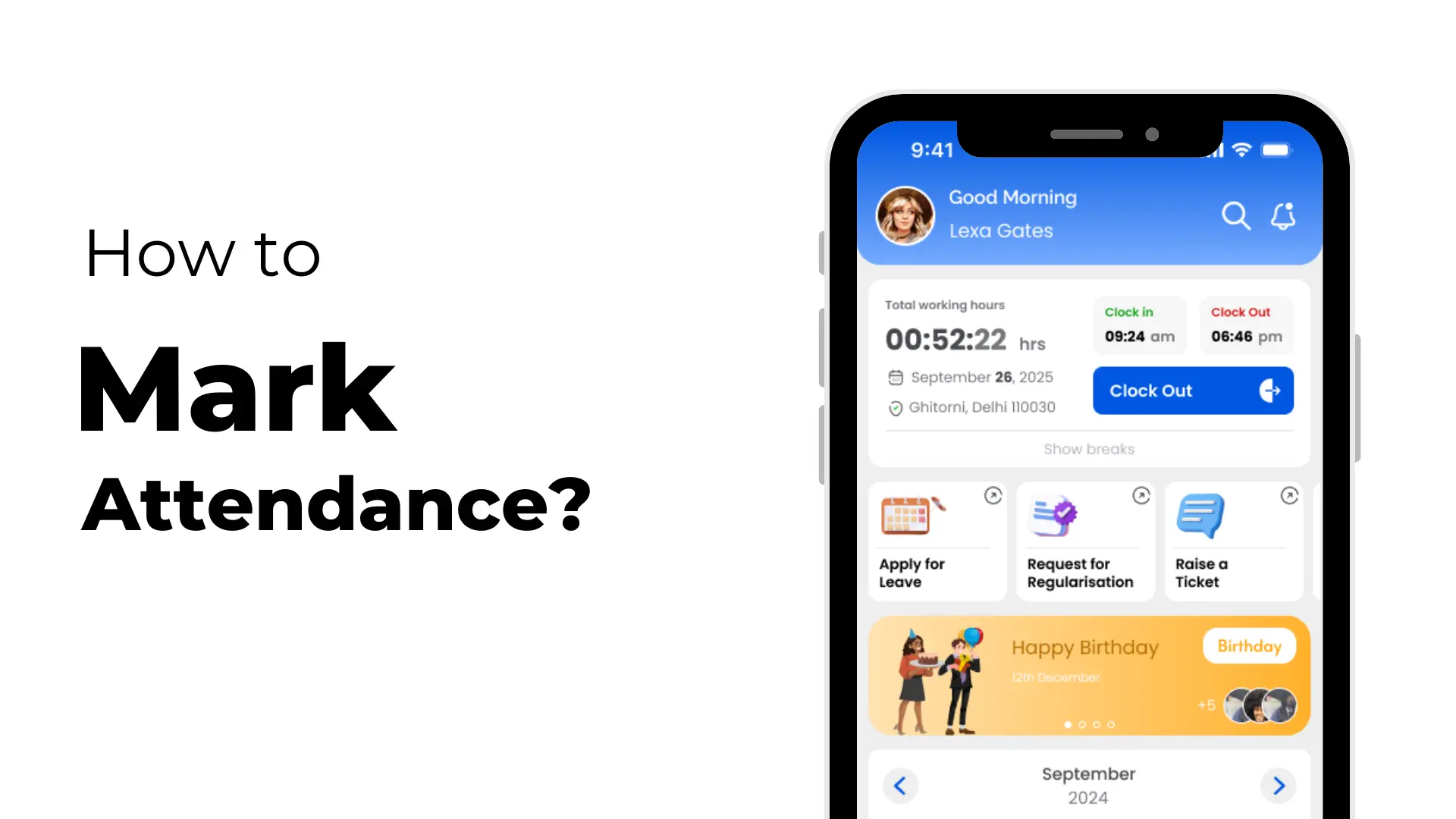
Keeping track of your working hours doesn’t need to be stressful. With the ZFour mobile application, marking attendance is quick, accurate, and hassle-free.
From clocking in to managing breaks, everything is just a few taps away.
Below is a simple guide to help you use the app correctly for daily attendance.
ZFour mobile application:
Step 1: Log In to the ZFour App
Open the ZFour mobile application on your phone and log in using your username and password. Once logged in, you’ll have access to all attendance-related features.
Step 2: Clock In to Start Your Workday
After logging in, go to the dashboard or attendance section and tap “Clock In.”Your check-in time is recorded automatically, ensuring accurate attendance tracking from the moment you start work.
Step 3: Clock Out When Your Workday Ends
At the end of the day, tap the “Clock Out” button. This marks your check-out time and completes your attendance for the day.
Step 4: Manage Breaks Easily
Need to take a break?
Tap the “Break” button to start your break, and tap it again when you’re ready to resume work. The app records your break duration automatically, making work-hour calculation easier for HR and payroll teams.
Helpful Tip
Always remember to clock in at the start of your shift, clock out at the end, and use the break feature properly.
This helps keep your attendance records accurate and avoids any discrepancies.
With the ZFour mobile application, attendance tracking becomes simple, fast, and reliable—so you can focus more on your work and less on manual tracking.