How to Check Leave Balance in ZFour HRMS Portal
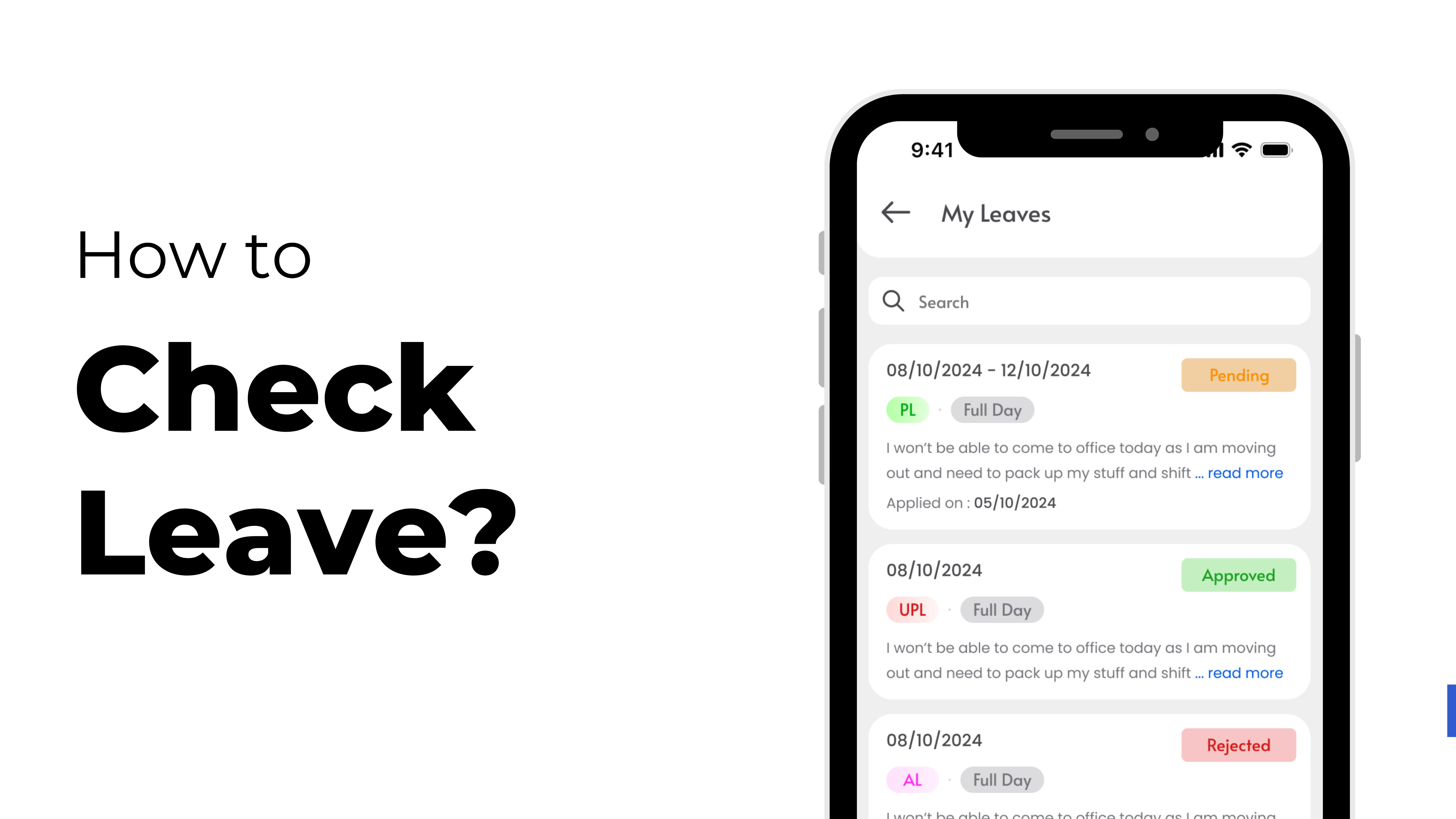
Keeping track of your leaves is essential to plan ahead and maintain a healthy work-life balance. With ZFour HRMS, checking your available leave balance is simple, quick, and accurate.
This step-by-step guide will help you navigate your ZFour HRMS dashboard and check your remaining leave anytime.
Step 1: Sign in to ZFour HRMS Portal
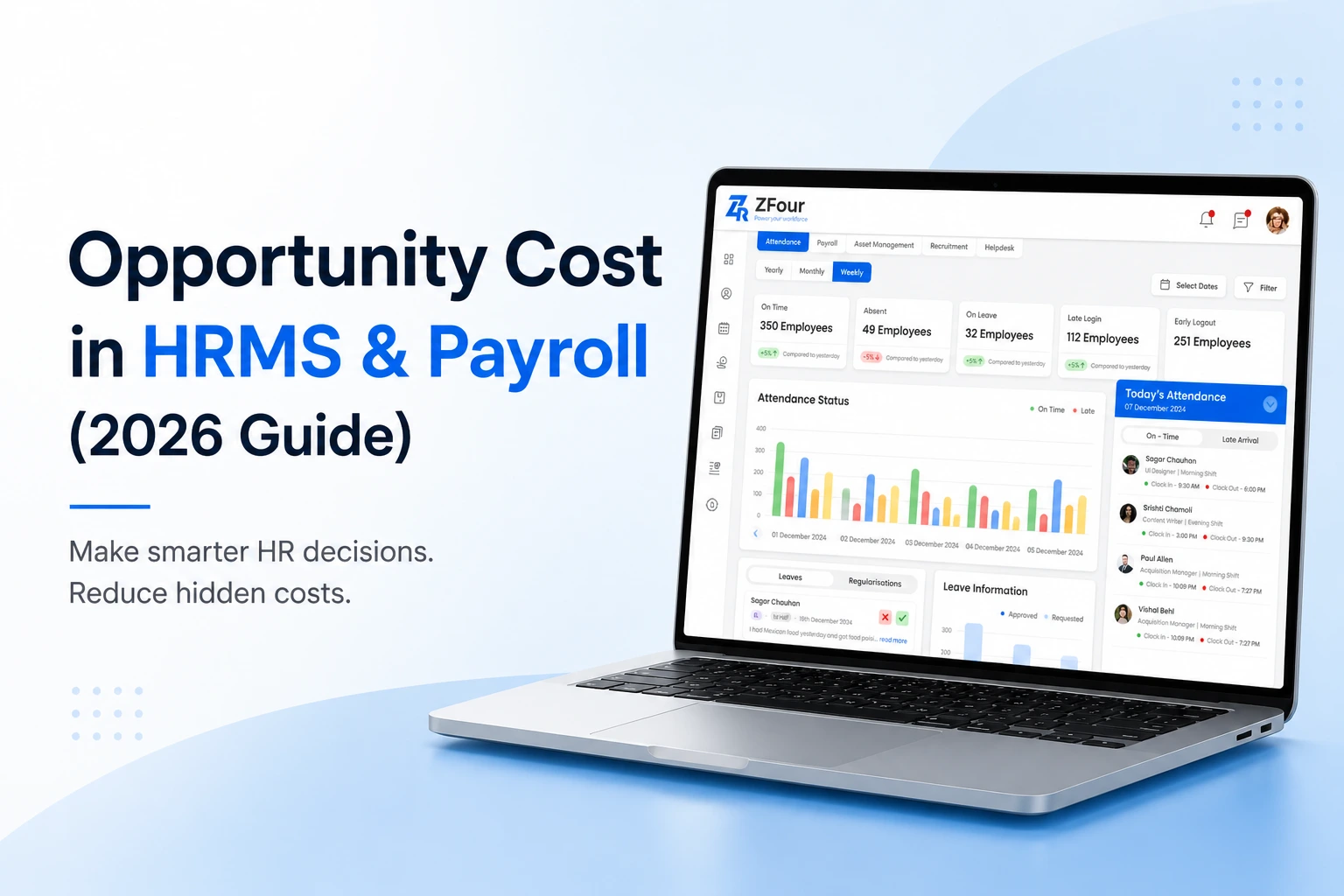
To access your company’s ZFour HRMS portal, enter your employee credentials (User ID and Password).Once you log in, your dashboard will display essential widgets such as attendance, payroll, announcements, and more.
Step 2: Open the Leave Module
On the left-hand panel, click on the “Leave” section. This module allows you to manage your leave applications, approvals, and leave history conveniently in one place.
Step 3: Check Your Available Leave Balance
Inside the Leave Dashboard, you’ll find all your leave types clearly listed, such as:
- Casual Leave (CL)
- Sick Leave (SL)
- Earned Leave (EL)
- Compensatory Off (Comp Off)
Next to each category, you can view the available leave balance and the number of used leaves.
This gives you a quick overview of how much time off you have left.
Step 4: Review Your Leave History
If you wish to review the leave you’ve previously taken, click on “Leave History.”
Here, you’ll find complete details, including:
- Type of Leave
- Duration
- Status (Approved, Pending, or Rejected)
- Remarks (if any)
This feature helps you track your past leaves easily and plan your upcoming time off more effectively.
Step 5: Download the Leave Report (Optional)
ZFour HRMS also allows you to export your leave report in Excel or PDF format. This is a great way to maintain a personal record of your HR data and track your time off efficiently.
Benefits of Using ZFour HRMS for Leave Tracking
- Real-time leave balance updates
- Transparent and smooth approval process
- Accessible anytime and anywhere
- Minimizes manual errors and delays
With ZFour HRMS, managing and tracking your leave has never been easier. It ensures accuracy, saves time, and simplifies HR operations for both employees and managers.
Conclusion
Keeping an eye on your ZFour HRMS Leave Balance helps you stay organized and make informed decisions about your time off.
The user-friendly dashboard gives you full visibility of your leave status — anytime you need it.
Ready to simplify your leave management?
Log in to ZFour HRMS today and take charge of your work-life balance effortlessly!